Phone:
(701)814-6992
Physical address:
6296 Donnelly Plaza
Ratkeville, Bahamas.

Phone:
(701)814-6992
Physical address:
6296 Donnelly Plaza
Ratkeville, Bahamas.
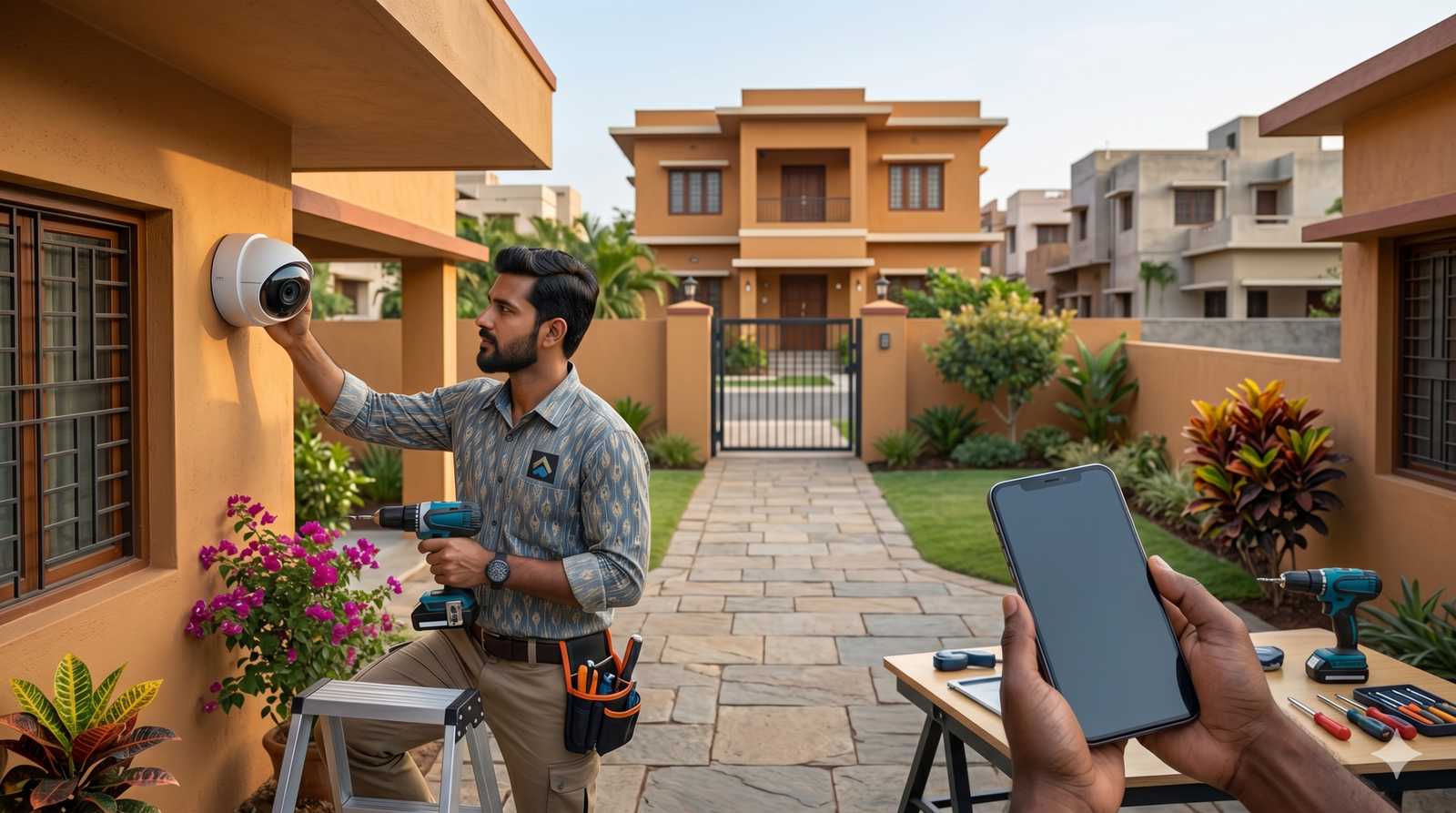
If you’re searching for “CCTV installation,” you’re likely looking for one specific outcome: footage that is actually usable when something goes wrong.
Too often, people invest in security only to be left with blurry night video, cameras blinded by glare, or a system that stopped recording the moment the internet dropped out. At Mourli Systems, we’ve spent over 10 years delivering security solutions. We’ve seen what works, what fails, and what separates a professional installation from a “unprofessional disaster.”
This guide walks you through what matters in a real-world install: placement, storage, security, and the questions you need to ask to avoid getting ripped off.
A proper system isn’t just about sticking cameras on a wall; it’s about engineering an outcome. In plain understanding, a professional install should provide:
Many people treat “wireless vs. wired” as a matter of preference, but they are often entirely different categories of reliability.
| Feature | Retail Wireless (Wi-Fi) | Commercial Wired (PoE/NVR) |
| Best For | Rentals, low-risk homes, quick deterrence. | Businesses, high-risk homes, 6+ cameras. |
| Reliability | Depends on Wi-Fi; prone to dropouts. | 100% stable via dedicated cabling. |
| Power | Battery or local plug (batteries can die). | Powered via the data cable (PoE). |
| Evidence Quality | Often compressed; can miss events. | High-bitrate, “evidence-grade” footage. |
| Internet | Often requires cloud/internet to work. | Records locally even if the internet is down. |
You don’t always have to choose one. Many savvy owners use wired cameras for critical points (front door, driveway, cash registers) and wireless cameras for secondary angles where cabling is too difficult or expensive.
Most systems technically “work,” but they fail to provide evidence because the placement is wrong. The golden rule is: You need identification, not just detection.
Pro Tip: If an installer can’t explain the logic behind where they are placing a camera, you’re buying hardware, not a security solution.
Marketing will tell you that “4K” is all that matters. In reality, high resolution won’t help if the lens is wrong or the lighting is poor. Focus on these specs instead:
Your system is only as good as its memory.
Before you sign off on a quote, use this checklist to ensure you’re comparing apples to apples:
Ready to secure your property? Start here:
Want a system designed by pros? With over 10 years of experience, Mourli Systems provides licensed technicians who ensure your “security” actually provides security. Contact us today for a site-specific design.